How CUDA powers deep learning
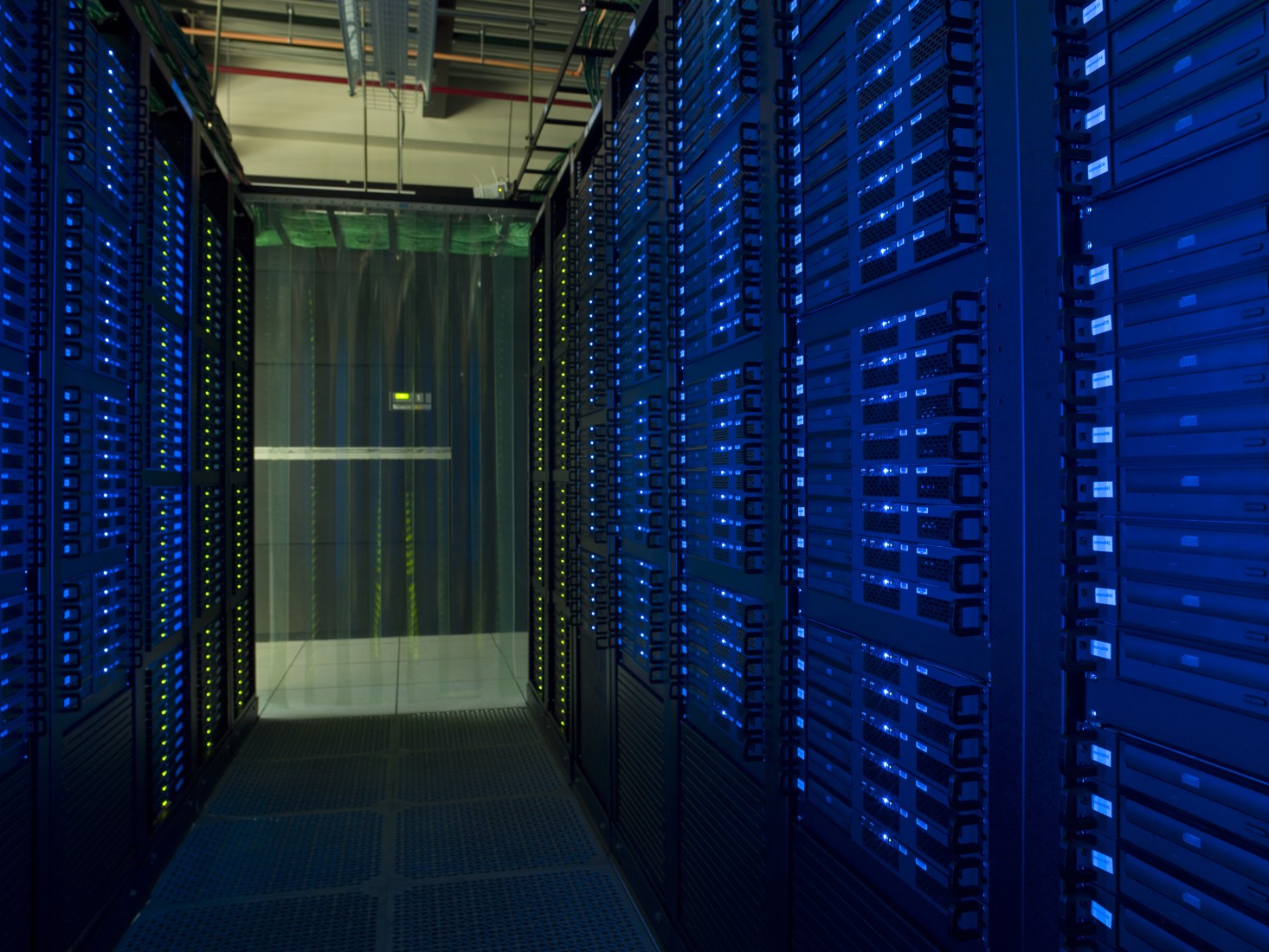
Illustrative data-centre racks at Fermilab, not a specified AI training installation.
CUDA (Compute Unified Device Architecture) is NVIDIA’s parallel computing platform and programming model that enables deep learning frameworks to run heavy mathematical computations on GPUs. By distributing millions of independent operations across thousands of GPU cores simultaneously, CUDA reduces neural network training times from weeks down to hours. [1], [2], [3]
Why Deep Learning Relies on CUDA
- Massive Parallelism. Neural networks rely heavily on matrix multiplications, convolutions, and tensor transformations. CPUs are built with a few complex cores for sequential tasks, while GPUs contain thousands of smaller cores designed to execute these repetitive math operations at the same time. [1], [2], [3]
- Hardware-Level Optimization. CUDA unlocks specialized NVIDIA hardware features like Tensor Cores, which accelerate mixed-precision math (such as FP16 and 4-bit quantization) during both forward and backward propagation. [1], [2], [3]
- Memory Efficiency. CUDA gives developers and libraries direct control over high-bandwidth GPU memory (VRAM). Techniques like kernel fusion combine multiple sequential operations into a single GPU execution step, cutting down slow memory read/write traffic. [1], [2]
The Deep Learning Software Stack
Most AI developers do not write raw C++ CUDA code every day. Instead, CUDA acts as the foundational engine beneath high-level tools:
- Deep Learning Frameworks. Popular Python libraries like PyTorch and TensorFlow use CUDA under the hood to manage GPU devices, allocate tensor memory, and execute asynchronous streams. [1], [2]
- cuDNN (CUDA Deep Neural Network library). Built directly on top of CUDA, NVIDIA cuDNN provides pre-tuned, high-performance primitives for standard deep learning building blocks. Frameworks automatically call cuDNN to accelerate convolutions, attention mechanisms, pooling, and normalization layers. [1], [2]
- Custom CUDA Kernels. When researchers invent novel model architectures—such as custom attention patterns or specialized quantization—that lack pre-built library support, they write custom CUDA functions (called kernels) to avoid performance bottlenecks. [1], [2]
How Execution Works in Practice
When training a model in a framework like PyTorch, CUDA manages the boundary between the Host (CPU and system RAM) and the Device (GPU and VRAM): [1]
1. Device Detection. The framework checks for compatible NVIDIA hardware and drivers (e.g., via torch.cuda.is_available()).
2. Data Transfer. Input batches and model weights start in CPU memory and must be explicitly copied over to the GPU's VRAM (using methods like .to("cuda")).
3. Kernel Execution. The CPU launches CUDA kernels onto a grid of GPU threads, where each thread calculates a small slice of the layer's output.
4. Synchronization. Threads synchronize between network layers to prevent race conditions before passing activations forward or gradients backward during training. [1], [2], [3], [4]
Key Limitations
- Vendor Lock-In. CUDA is proprietary to NVIDIA GPUs and cannot run natively on AMD, Intel, or Apple Silicon hardware.
- VRAM Constraints. Because data must reside in GPU memory during computation, large models frequently run into out-of-memory (OOM) errors that require batch-size tuning or multi-GPU distribution.